Which Mobile Backend as a Service Platforms Offer Easy Integration With iOS Apps?
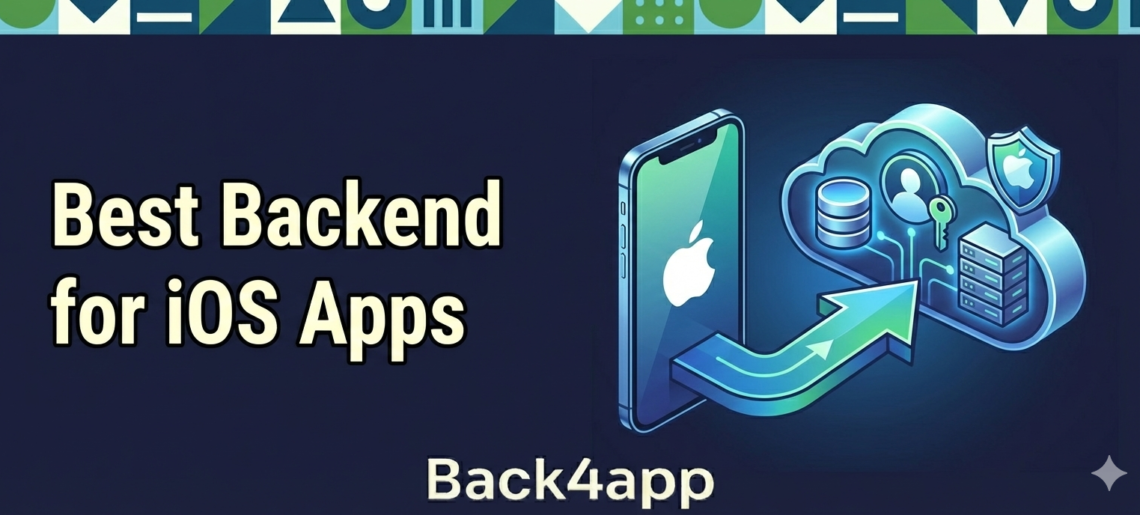
Mobile apps are part of everyday life, especially for people who use iPhones and iPads. These devices have their own style, and users expect their apps to perform smoothly without crashing or acting strange. That means developers need to build with care from the start.
One of the best ways to keep things simple is to use a mobile backend as a service platform. These tools take care of the parts users do not see, like storing data or sending updates.
When you are building an iOS app, the right backend can make things go a whole lot faster. In this post, we are focusing on mobile app backend hosting platforms that work well with iOS.
Our goal is to help you understand what to look for so you can choose a backend that keeps development quick and easy.
Contents
- 1 What Is a Mobile Backend as a Service (MBaaS)?
- 2 Why Easy iOS Integration Matters?
- 3 Features That Make Integration with iOS Apps Easier
- 4 What to Look For in a Mobile Backend for Your iOS App?
- 5 Modern Backend Tools Built for iOS Developers
- 6 Making iOS App Development Simple and Fast
- 7 Build Your iOS App with Seamless Backend Support
- 8 FAQ
- 9 Why is an iOS-specific SDK important for my mobile backend?
- 10 Can a Mobile Backend as a Service (MBaaS) handle Apple-specific features?
- 11 How does using an MBaaS affect the performance of an iPhone app?
What Is a Mobile Backend as a Service (MBaaS)?
A mobile backend as a service, or MBaaS for short, is a tool that takes care of what is happening behind the scenes in an app. When someone signs in, stores a photo, sends a message, or gets a notification, it is the backend doing the work.
MBaaS platforms help connect the app to the cloud. That means you do not have to build everything from scratch or manage a server on your own. They usually include:
- Tools to manage user accounts
- Database storage for saving things like usernames, settings, or messages
- Messaging and notification features
- Tools for updates, so changes can show up in the app right away
For iPhone apps, having a solid iOS backend matters a lot. It is how you keep things running fast and smooth, which iPhone and iPad users expect.
When your backend handles things well, you spend less time fixing bugs and more time adding features.
Why Easy iOS Integration Matters?
When someone opens an app on their iPhone or iPad, they expect it to just work. No freezing, no crashes, and no delays. That is why it is important to pick a backend that was made to handle how iOS works.
Some backend platforms are built with iOS in mind. That means less time spent writing extra code to make things fit together. Developers get to focus on building features, not spending hours connecting things that do not match.
Easy integration also means fewer bugs. When backend tools speak the same language as the iOS app, everything fits better. This usually leads to quicker progress and faster fixes when things need to change. It also means updates can reach users sooner without causing new problems.
Features That Make Integration with iOS Apps Easier
Not all backend systems are the same. Some are much easier to use with iOS apps, especially when they include built-in tools made for Apple devices. Here are a few features that can help:
- SDKs for iOS: These are pre-made kits that help connect the backend and the app. When there is a good SDK for Swift or Objective-C, things connect faster and work better.
- Pre-built APIs: These let your app talk to the backend without having to build those connections from scratch.
- Native support for Apple tools: An iOS-friendly backend can work easily with Apple push notifications, iCloud, and other built-in services.
- Helpful guides and support: Written steps, sample projects, and real people to talk to can make a huge difference when things get tricky.
When a backend offers these tools, iOS development becomes less stressful and a lot more enjoyable. Developers can build more features instead of trying to solve confusing errors.
What to Look For in a Mobile Backend for Your iOS App?
Choosing a backend is a big step, so it helps to know what really matters. A good backend makes starting easy, handles tough problems when they happen, and grows with your app as more users join. Here are some features we always look for before getting started:
- Real-time updates: So users see changes quickly without restarting the app.
- Strong data security: iOS users care about their privacy, and your backend should protect their info.
- Easy-to-use tools: So you do not spend time trying to understand a tricky system.
- Scalability: That means your backend can handle more traffic without breaking.
- Good support: A strong support team helps developers move past roadblocks faster.
Even if you are starting small, having the right setup now can save hours of fixing or rebuilding later. If your backend was built with iOS in mind, you will likely run into fewer problems as your app grows and changes.
Modern Backend Tools Built for iOS Developers
Many top MBaaS platforms offer SDKs that support native iOS development using Swift or Objective-C, making it easy to integrate advanced features.
Back4app includes a ready-to-use API, an iOS SDK, and user authentication modules that streamline app development for Apple devices.
With support for scalable databases, real-time updates, and built-in security, Back4app helps developers focus on building user experiences instead of backend management.
Choosing a backend with simple integration and transparent pricing lets teams move from prototype to launch confidently, no matter the size of the project.
Making iOS App Development Simple and Fast
Building an iOS app takes time and patience, but using a mobile backend that connects smoothly with iOS helps everything run better.
You will not have to struggle with confusing fixes or build pieces that already exist. Instead, you can spend more time creating an app that works the way you want.
Picking a backend that was made to work with iOS gives your app a stronger foundation and makes future updates easier to roll out.
When you are backed by tools that are built to help and supported by a team that knows app development, your ideas have room to grow and get there faster.
If your app needs mobile app backend hosting that works well with iOS, choose wisely from the start. It just makes everything simpler.
Build Your iOS App with Seamless Backend Support
We know building a smooth-running iOS app takes more than just good code. It needs a backend that is easy to work with and ready to grow with you.
Our platform is built to support everything from sign-ins to real-time updates without slowing you down.
For simple, reliable mobile app backend hosting that fits right into your iOS project, we have got you covered.
With helpful tools and personal support, we keep the backend part simple. Have questions or want help getting started? Just contact Back4App.
FAQ
Why is an iOS-specific SDK important for my mobile backend?
An iOS-specific SDK (Software Development Kit) acts as a bridge that allows your app to communicate with the backend using native languages like Swift or Objective-C. Without a high-quality SDK, developers have to write extensive custom code to handle data requests and security, which increases the likelihood of bugs and slows down the development process.
Can a Mobile Backend as a Service (MBaaS) handle Apple-specific features?
Yes. A modern MBaaS platform is designed to integrate seamlessly with Apple’s ecosystem. This includes native support for Apple Push Notification service (APNs), integration with iCloud for data syncing, and compatibility with iOS privacy standards. Choosing a backend with these built-in tools prevents you from having to build complex “middleware” to connect to Apple’s services.
How does using an MBaaS affect the performance of an iPhone app?
iOS users have very high expectations for “snappy” performance and smooth animations. An MBaaS improves performance by offloading heavy data processing and storage to the cloud. Features like real-time database syncingensure that the app UI updates instantly without requiring a manual refresh, keeping the user experience fluid and responsive.