React Native is one of the most popular frameworks used in mobile development. It was created by Facebook based on Javascript. It can be used to build apps to iOS or Android with native platform capabilities.
Expo is a tool that helps you speed up development time and testing.
This article explains how you can integrate a React Native app with Back4App. After completing this step-by-step tutorial, you will have built a project to manipulate a To-Do List.
Is it your first time using Back4App? If so, you need to do the Sign-Up.
To create an app and make money in 2026, you validate the idea before coding, build a simple MVP on a ready-made backend to keep costs low, launch fast, and monetize through ads, subscriptions, in-app purchases, or a freemium model. This guide covers the full journey in 13 steps — and the table below compares the main ways apps earn revenue.
Monetization model
How it earns
Best for
In-app advertising
Ad networks pay per impression/click
Free apps with large, engaged audiences
Freemium
Free core app, paid premium features
Tools and productivity apps
Subscriptions
Recurring monthly/annual payments
Content, services, and SaaS-style apps
In-app purchases
One-off purchases inside the app
Games and consumable content
Paid app
One-time purchase price
Niche professional tools
Sponsorship / partnerships
Brands pay for placement or integration
Apps with a defined niche audience
You got it! Do you want to do something big? Have an excellent idea for the next billion-dollar app?
How to create an app and make money?
This article will detail the lessons learned during my 13-year entrepreneur journey running a software development company and creating hundreds of mobile apps.
I will reveal the hidden secrets of how to bring your ideas to life. We will provide practical steps based on our own experience making mobile apps and share some tips that worked well for me.
Would you like to know how much it costs to run your Parse app directly at AWS? So, you are in the right place and we will provide the prices for hosting a Parse app at AWS. We will calculate the costs based on two different scenarios. The first scenario will cover a small application and will not provide a redundant infrastructure. So, if any of the instances fail, the app will face downtime. The second scenario will cover a more robust structure with redundant application instances and a replica set to run the databases.
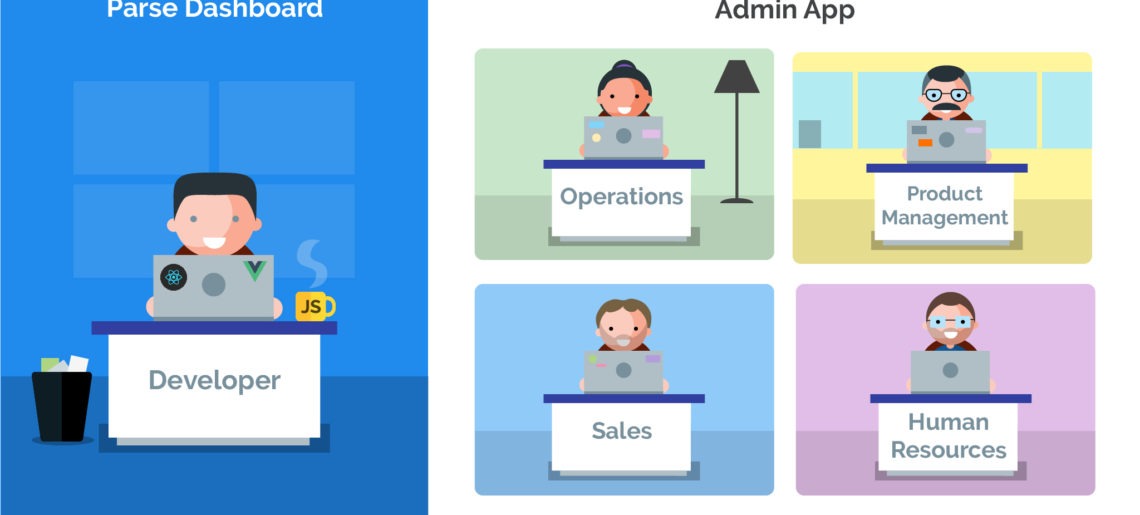
In the last few weeks, we launched an excellent, robust feature called Admin App for our users and also upgraded its capabilities to a great extent so as to amplify the productivity, competence, and readability of developers and even non-technical users at all levels. The best part? To enhance your experience with Back4App, we persistently worked to release some of our most requested functionalities, which make the admin tool even constructive and better than ever. This post is arranged to announce the succinct summaries of what has changed.
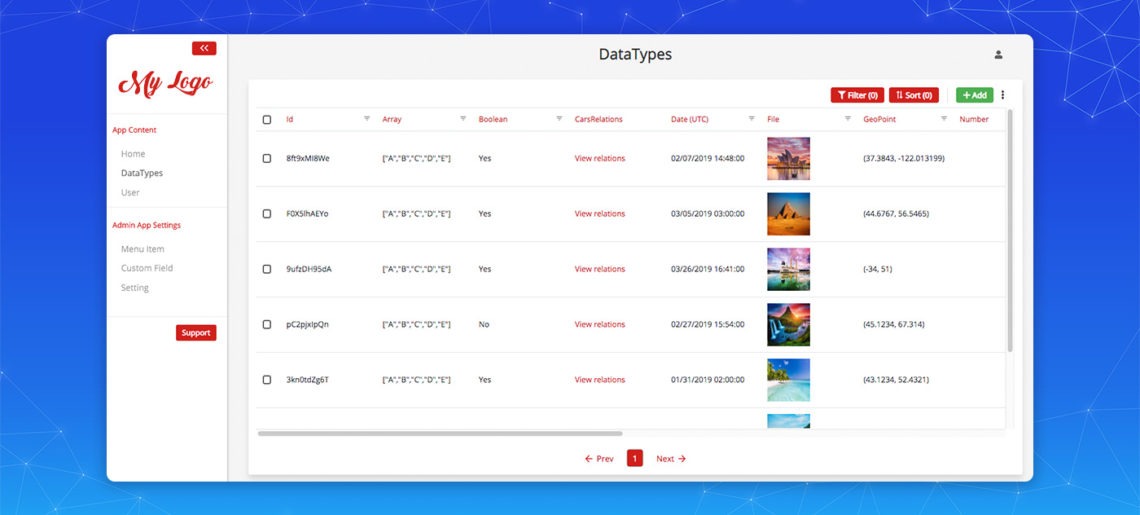
For most contemporary, Mobile Apps and web-applications, the administration interface has become a critical part of the product/application management. This web-based interface is typically restricted to trusted admins and isn’t accessible by guests and customers of any sort. That enables administrations to perform CRUD operations (creation, reading, updating, and deletion of the model content) and yield fairly productive results and performance for their websites.
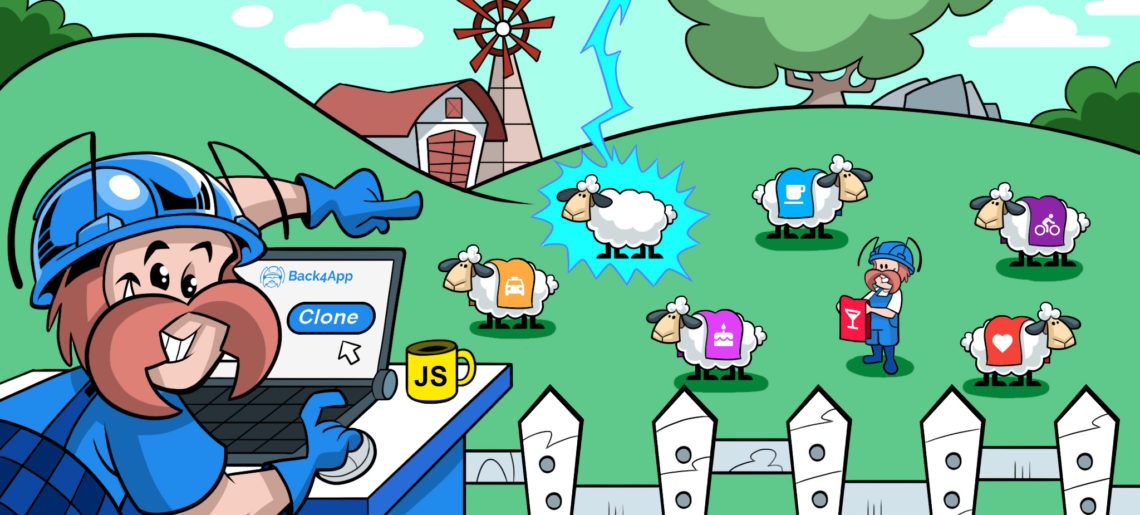
When you key in ‘How to Clone Apps’ on the internet, a bucket of resources, blog posts, whitepapers, articles, and video tutorials can be discovered on SERPs.
As a developer, at some time, you might have worked in a team that utilizes a shared database for development, User Acceptance Testing (UAT) or deployment. If so, you must also be familiar with many overlaps between projects, contentions for resources, erratic environment stages, and high-level of dependency on other team members to get the end product deployed.