The Back4app Editorial Team brings together the backend engineers, cloud architects, and technical writers behind Back4app, the open-source-based backend platform. Every article is written or reviewed by practitioners who build and operate production backend infrastructure daily — covering Backend-as-a-Service, cloud deployment, APIs, databases, and mobile and web development. Tutorials are tested against real deployments before publishing, and guides are updated as platforms and pricing change. Our work is open for scrutiny: explore our code on GitHub, or see what developers say on G2 and Product Hunt.
The world of software development is filled with passionate developers spending hours behind screens writing lines of code. But what if there was a way to develop an app without actually writing any code?
In this blog, we’ll delve into how you can use ChatGPT, powered by GPT-4, in conjunction with Back4app to bring an Uber-like app to life without traditional coding
Picking the right way to put your Nest.js app out there is really important. It helps your app run well and grow seamlessly when the need arises. This piece talks about various ways to make your Nest.js apps go live. Specifically, it’s about hosting your Nest.js app in a Back4app container.
Svelte is an open-source JS framework designed by Rich Harris in 2016. This web framework is typically used to build the frontend of web applications and reusable components for other JS frameworks.
The robust and lean development properties make this programming technology popular among users. Yes, the recent survey of Stack Overflow ranked Svelte in the 6th position among the most admired & desired web frameworks.
However, finding the right Svelte hosting provider to get maximum results using this framework is also significant. Therefore, this article introduces one of the best Svelte hosting providers with their core competencies and pricing structure.
The best free Python hosting options in 2026 are Back4app (free tier with database and APIs included), PythonAnywhere (free plan built specifically for Python), and Google App Engine (free daily quota). Cloud providers like AWS, Azure, DigitalOcean, Vultr, and Linode offer free trials or time-limited credits rather than permanently free plans.
Provider
Free option
Best for
Back4app
Free tier (no time limit)
Full Python backends with database and APIs
PythonAnywhere
Free plan
Beginners; small Flask/Django apps
Google App Engine
Free daily quota
Autoscaling apps in Google Cloud
Heroku
Low-cost plans (no free tier)
Classic git-push deployment
AWS
12-month free tier
Full cloud ecosystem
Azure
Free credits + 12-month tier
Microsoft-stack teams
DigitalOcean
Trial credits
Simple cloud VMs and app platform
Vultr
Trial credits
Low-cost global VMs
Linode (Akamai)
Trial credits
Predictable VM pricing
Kamatera
30-day free trial
Configurable cloud servers
The popularity of Python as a programming language has burgeoned over the past decade, thanks to its clarity, flexibility, and broad applicability.
With this surge, there’s been an associated rise in the number of Python-based applications being developed. For both budding and seasoned developers, finding a reliable and cost-effective hosting server for these applications can be a daunting task.
While there’s no shortage of premium hosting services, the market also offers free hosting services that cater to those just dipping their toes, those on a budget, or those who want to prototype their applications.
This article takes an in-depth look into the top 10 free Python hosting servers that you can leverage for your programming endeavors.
Gatsby.js is an open-source and freemium JavaScript framework that is also known as a static website builder. It is designed on top of NodeJS and utilizes GraphQL and React to perform development tasks.
With more than 2.5k plugins and absolute backing for backend rendering, it is surely a suitable framework for generating static websites.
However, it is debatable when it comes to a reliable hosting platform for Gatsby.js. So, this article covers one of the top-notch Gatsby.js hosting providers with their core aspects and pricing policy.
Nest.js is a Node.js framework that is usually used to build server-side applications. This open-source framework helps developers in building highly scalable applications. Also, Nest.js overcomes the configuration requirements by delivering source code in a specific manner.
Withal, it is still debatable which hosting platform provides the best deployment resources to set up a Nest application. Therefore, this article shares one of the leading Nest.js hosting providers with essential details.
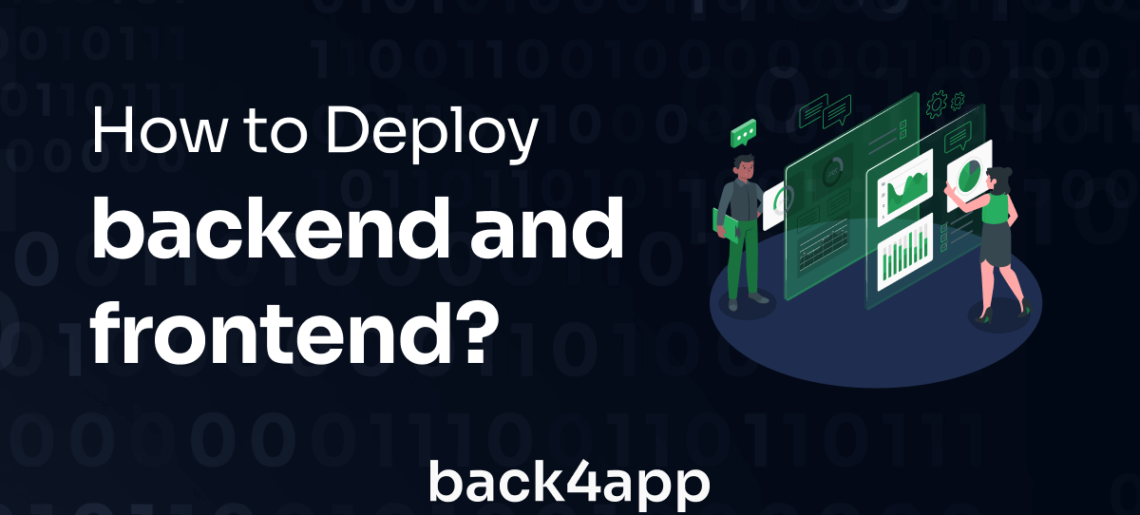
The backend of a web application is essentially the behind-the-scenes component that stores data. It’s composed of several elements including an application programming interface (API), a database, and a web server layer.
You have the flexibility to build a backend using a multitude of technologies, like Java, Node.js, or Python.
However, it’s often a smarter choice to get a grip on deploying a backend through managed services, as it can streamline the process and improve efficiency.
Now, let’s talk about the frontend. The frontend, also referred to as the client-side, is the part of the web application that users interact with directly.
It is everything you see and experience directly in your browser or application – the design, look and feel, navigation, and user interface.
Putting a backend and frontend into action, or ‘deploying’ them, is all about getting every piece of the puzzle up and running in the cloud. But it’s not just a matter of turning things on and hoping for the best – you also need to make sure they’re both secure and reliable.
This isn’t an easy task, it’s a bit like a intricate jigsaw puzzle that requires a deep understanding of how to set up both server and client side technologies.
You need to know your way around databases, web servers, and the rules of communication, also known as networking protocols.
All in all, it’s a complicated process, but crucial to make sure your web application runs smoothly.
A good number of managed cloud services out there have made things a lot easier by offering automated deployment options.
Think of it as a way to simplify and speed up the entire deployment process. With these services, you can get your backend up and running with just a few clicks, as easy as pie. But that’s not all they offer.
Many of these cloud services come packed with nifty features like scalability, visibility into your application’s performance (observability), security measures, and more.
All these add-ons work together to help guarantee your application performs at its best once it’s out in the wild.
In this tutorial, we will guide you through the steps of deploying an application developed using Meteor, utilizing the container capabilities provided by Back4app.
This approach combines the efficient user interface construction of Meteor, which avoids the conventional virtual DOM diffing process for quicker rendering times and reduced memory usage, with the extensive hosting solutions offered by Back4app.
Scalable application development and easier management are what every business needs today. As managing the backend and infrastructure is impossible for every business, PaaS is a great choice.
It is because it comes as a complete platform with all the required features on which a business can build its application. Today several platforms provide such services, with Engine Yard and Netlify among the top few.