Category Archives

673 Articles

GraphQL iOS: Using Cloud Functions in a Swift App

GraphQL iOS: Using Cloud Functions in a Swift App

On this article, I showed you how to use GraphQL with NodeJS Cloud Code in Back4app.

And on this guide, I showed you how to use Apollo GraphQL iOS Client with Swift.

Now let’s bring it all together and make lots of complicated operations by producing really easy code. And let’s also have XCode to automatically generate any API code for us even when we change Classes.

Sounds good? So get some coffee and get along!


GraphQL and NodeJS integrations using Cloud Code Functions

GraphQL and NodeJS integrations using Cloud Code Functions

GraphQL brings sugar, spice, and everything nice to API developers, but it is basically a query language so you can specify what you are looking for.

What if you need more business intelligence than that in your application?

What if you need some logic along with it?

What if you want that neat NPM Module module along with it?

Well, fasten your seat belts because today I’ll show you something very powerful. And with great powers, comes great… well… great time savings, great possibilities, great lots of good stuff…


Hasura Alternatives – Top Competitors

Hasura Alternatives – Top Competitors
hasura-alternatives

Hasura proceeds to innovate and dominate the real-time GraphQL market. While it extends a frequently refined collection of products for many varieties of development requirements, it may be not always the easiest, most agile, or cheapest option. There’s a frequently increasing inventory of cloud companies that extend products and services in ways that can avail developers with easiness and affordability.

In this blog post, I’ll show some of the alternatives to Hasura; some companies that are still young but still useful to developers.  Others are more stable businesses and running for a while.  The tutorial will include subsequent competitors:

  • Back4App – GraphQL database hosting platform
  • Parse – Open-Source GraphQL framework
  • GraphCool – Open-Source framework to deploy serverless GraphQL backends
  • AWS App Sync – Service to run GraphQL in the cloud
  • Postgraphile – GraphQL APIs from a Postgres schema
  • Subzero – GraphQL & REST APIs for databases


Mastering Web API authentication with Parse – Javascript SDK and GraphQL flavours

Many applications, especially websites, need to restrict access to their content, and having user accounts that show only information relevant to that user in a secure way is the most popular way to accomplish that.

Today we will learn how to implement the Login functionality to an already existing HTML page, writing very little code and having Parse doing all the heavy lifting for you, and in order to do that, I chose the Login Form template which you can download for free.

We will be using two distinct technologies that you can choose from: the Javascript SDK and GraphQL through Javascript.

GraphQL is our brand new shiny technology that was just released and my goal is to compare both ways to do the same thing, so you can pick the one you like best.
SPOILER ALERT!! I am sure you will like GraphQL better…

That already has all the necessary files for visually display the file but lacks functionality, which we will be adding.


Instant GraphQL API on Back4App

Instant GraphQL API on Back4App

After a lot of coffee and code, we are excited to announce the GraphQL support on Back4App!

Since version 3.5, Parse Server automatically provides a GraphQL API in addition to the REST API. Version 3.6 is already available as a beta at Back4App, and you can now enjoy a powerful, also instantly, generated GraphQL API, for your new or existing apps.


How to make a ToDo List App with React Native, Expo and Back4App

React Native is one of the most popular frameworks used in mobile development. It was created by Facebook based on Javascript. It can be used to build apps to iOS or Android with native platform capabilities.

Expo is a tool that helps you speed up development time and testing.

This article explains how you can integrate a React Native app with Back4App. After completing this step-by-step tutorial, you will have built a project to manipulate a To-Do List.

Is it your first time using Back4App? If so, you need to do the Sign-Up.


How to create an app and make money?

How to create an app and make money?

To create an app and make money in 2026, you validate the idea before coding, build a simple MVP on a ready-made backend to keep costs low, launch fast, and monetize through ads, subscriptions, in-app purchases, or a freemium model. This guide covers the full journey in 13 steps — and the table below compares the main ways apps earn revenue.

Monetization modelHow it earnsBest for
In-app advertisingAd networks pay per impression/clickFree apps with large, engaged audiences
FreemiumFree core app, paid premium featuresTools and productivity apps
SubscriptionsRecurring monthly/annual paymentsContent, services, and SaaS-style apps
In-app purchasesOne-off purchases inside the appGames and consumable content
Paid appOne-time purchase priceNiche professional tools
Sponsorship / partnershipsBrands pay for placement or integrationApps with a defined niche audience

You got it! Do you want to do something big? Have an excellent idea for the next billion-dollar app?

How to create an app and make money?

This article will detail the lessons learned during my 13-year entrepreneur journey running a software development company and creating hundreds of mobile apps.

I will reveal the hidden secrets of how to bring your ideas to life. We will provide practical steps based on our own experience making mobile apps and share some tips that worked well for me.


Costs to self-host a Parse App on AWS

Costs to self-host a Parse App on AWS
Self host Parse App

Price to self-host a Parse app on AWS

Would you like to know how much it costs to run your Parse app directly at AWS? So, you are in the right place and we will provide the prices for hosting a Parse app at AWS. We will calculate the costs based on two different scenarios. The first scenario will cover a small application and will not provide a redundant infrastructure. So, if any of the instances fail, the app will face downtime. The second scenario will cover a more robust structure with redundant application instances and a replica set to run the databases.


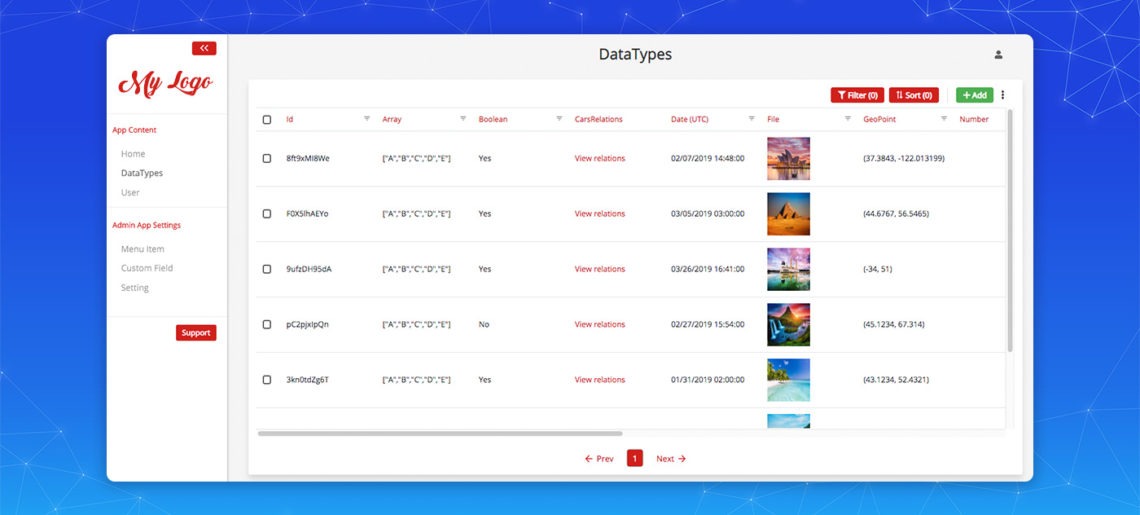
Admin App updates: Custom Layout and All datatypes

Admin App updates: Custom Layout and All datatypes

In the last few weeks, we launched an excellent, robust feature called Admin App for our users and also upgraded its capabilities to a great extent so as to amplify the productivity, competence, and readability of developers and even non-technical users at all levels. The best part? To enhance your experience with Back4App, we persistently worked to release some of our most requested functionalities, which make the admin tool even constructive and better than ever. This post is arranged to announce the succinct summaries of what has changed.


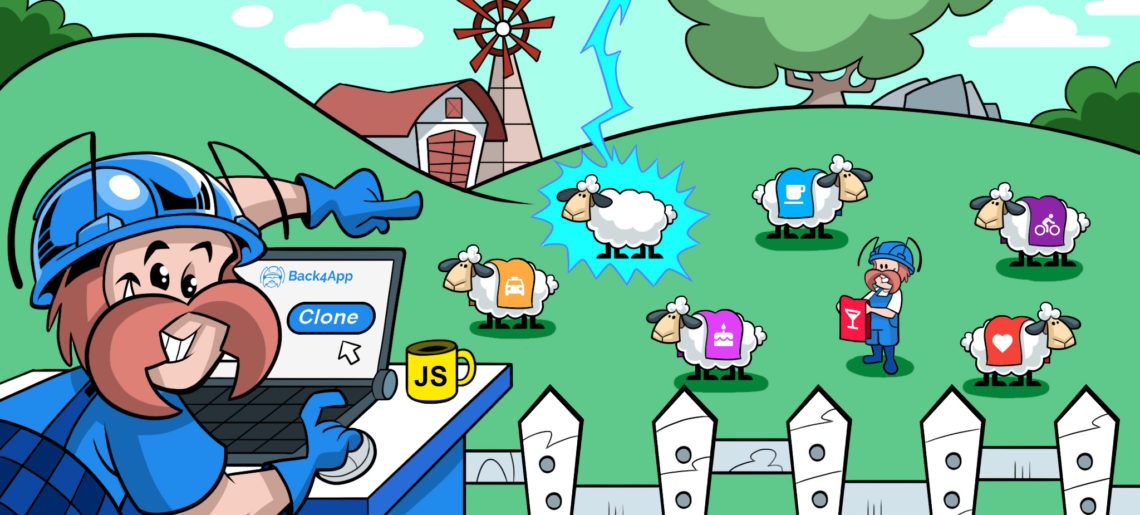
The Clone App Power

The Clone App Power

When you key in ‘How to Clone Apps’ on the internet, a bucket of resources, blog posts, whitepapers, articles, and video tutorials can be discovered on SERPs.

As a developer, at some time, you might have worked in a team that utilizes a shared database for development, User Acceptance Testing (UAT) or deployment. If so, you must also be familiar with many overlaps between projects, contentions for resources, erratic environment stages, and high-level of dependency on other team members to get the end product deployed.


open
Build, deploy and scale your app with Back4App Containers

open
Build, deploy and scale your app with Back4App Containers. Start today!